I used to think that building the ultimate remote work setup meant dropping two grand on a designer ergonomic chair and a mahogany desk that looked more like a piece of art than a workspace. I fell for the trap, thinking that if my gear looked like a tech influencer’s dream, my productivity would magically follow. But after three months of staring at a “minimalist” desk that actually just made my back ache and my neck stiff, I realized that most of the high-end gear being pushed online is just expensive noise designed to separate you from your paycheck.
Look, I’m not here to sell you on a lifestyle aesthetic or some overpriced gadget that promises to change your life. I’ve spent years trial-and-erroring my way through different layouts, lighting, and hardware, and I’ve learned what actually works when you’re staring at a screen for eight hours straight. In this guide, I’m going to give you the straight-up truth about what you actually need to build a functional space that helps you get things done without breaking the bank or your spine.
Table of Contents
Essential Ergonomic Workstation Essentials for Longevity
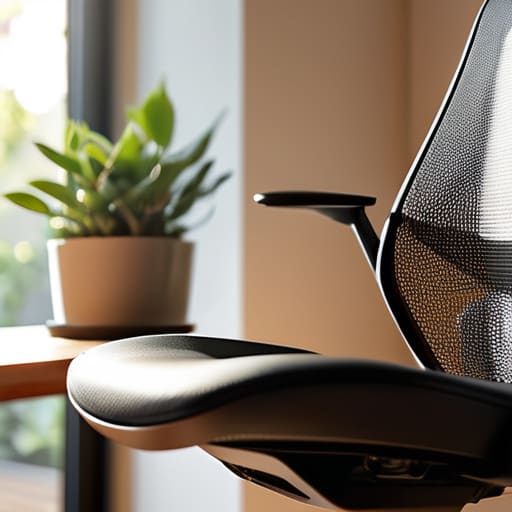
Look, if you’re planning on doing this for the long haul, you can’t just work from a kitchen stool and hope for the best. Your spine will eventually stage a protest. Investing in a few ergonomic workstation essentials isn’t just about being fancy; it’s about preventing that nagging lower back pain that hits right around 3 PM. A high-quality chair with actual lumbar support is non-negotiable. You want something that actually holds your shape rather than letting you slouch into a human pretzel.
Beyond the chair, pay attention to your eye level. If you’re constantly looking down at a laptop screen, you’re begging for neck strain. I’m a huge advocate for improving remote work posture by using a laptop riser or, better yet, an external monitor. Getting your screen positioned so your chin stays level with the horizon makes a massive difference in how you feel at the end of the day. It turns a quick task into a comfortable session rather than a slow descent into physical misery.
Mastering Your Dual Monitor Arrangement for Flow
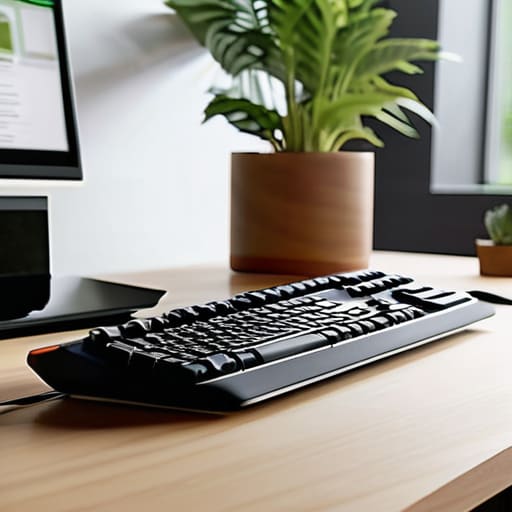
Look, once you move past the single laptop screen life, there’s no going back. But if you just slap two monitors side-by-side on your desk without a plan, you’re basically asking for a neck ache by lunchtime. The secret to a killer dual monitor arrangement isn’t just about having more screen real estate; it’s about how you position them relative to your eyes. If you’re constantly twisting your torso to glance at a secondary screen, you’re sabotaging your posture. Instead, try the “primary and secondary” method: keep your main display directly in front of you and angle the second one slightly toward your dominant eye.
Beyond just the gear sitting on your desk, you also have to consider the actual space you’re occupying. It’s easy to forget that your physical environment—the lighting, the noise levels, even the square footage—dictates how long you can actually stay in the zone before your brain starts to fog up. If you’re currently struggling to find a dedicated corner in a cramped apartment, I’ve found that browsing through berishproperties can be a lifesaver for scouting out better layouts or even finding a more permanent spot that actually supports a professional workflow rather than fighting against it.
If you’re a fan of minimalist desk setup ideas, skip the bulky factory stands and invest in a dual monitor arm. It clears up a massive amount of surface area, making your desk feel less like a cluttered cockpit and more like a focused workspace. This is one of those small tweaks in productivity boosting office gear that actually pays dividends. When your screens are floating at eye level, you stop slouching, and suddenly, that deep work flow feels a whole lot more sustainable.
The Small Stuff That Actually Saves Your Sanity
- Stop working from the couch. I know it’s tempting, but your lower back will eventually stage a violent protest. Find a dedicated spot—even if it’s just a specific end of the kitchen table—that tells your brain, “Okay, we’re in work mode now.”
- Get a decent pair of noise-canceling headphones. Whether it’s your neighbor’s leaf blower or your roommate’s questionable taste in music, you need a way to build a sonic wall between you and the chaos.
- Fix your lighting before you join a Zoom call. If you’re sitting with a bright window directly behind you, you’ll look like a witness in a protection program. Face the light source so people can actually see your face.
- Don’t ignore your cables. A tangled mess of wires under your desk isn’t just an eyesore; it’s a mental weight. Spend twenty minutes with some velcro ties and actually organize your setup so it feels intentional, not accidental.
- Set a “hard stop” ritual. When the workday ends, physically close the laptop or walk away from the desk. If your office is your living room, you need a psychological boundary so you don’t feel like you’re perpetually on the clock.
The Bottom Line
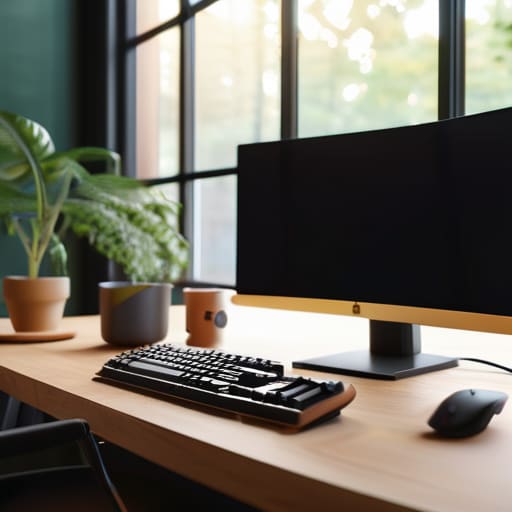
Don’t skimp on the stuff that touches your body; a cheap chair is just a slow way to ruin your back.
Your digital real estate matters—use those monitors to separate your deep work from the constant Slack distractions.
A setup isn’t “finished” until it actually feels natural to sit in for four hours straight without wanting to crawl out of your skin.
## The Hard Truth About Your Desk
“Your remote setup isn’t just about fancy gear or a clean aesthetic; it’s about building a space that actually supports your brain instead of constantly fighting your body.”
Writer
The Bottom Line
At the end of the day, building a killer remote setup isn’t about buying every shiny new gadget on Amazon; it’s about intentionality. We’ve talked about why you can’t ignore ergonomics if you want to avoid feeling like a human pretzel by 3 PM, and how a smart dual-monitor layout can actually keep you in that deep work zone instead of constantly fighting your screen real estate. It’s a mix of investing in your physical health and strategically organizing your digital space so that your environment works for you, rather than against you. If you get these fundamentals right, you stop fighting your desk and start actually enjoying the flow.
Remember, your setup is a living thing. It’s going to evolve as your career grows and your needs change, so don’t feel like you have to get it perfect on day one. The goal is to create a sanctuary that fuels your focus and protects your energy. Stop settling for a “good enough” workspace that leaves you drained and exhausted. Take the time to build a space you actually love waking up to, because when your environment is dialed in, everything else—the productivity, the creativity, the sanity—tends to fall right into place.
Frequently Asked Questions
How much space do I actually need to make a small apartment feel like a real office?
Look, you don’t need a dedicated spare room to stop feeling like you’re working from a kitchen chair. The magic number is usually about 30 to 40 square feet—just enough for a decent desk and a chair that won’t wreck your back. The trick isn’t total square footage; it’s psychological boundaries. Use a rug or a room divider to signal to your brain: “This is the office, not the living room.”
Is it worth dropping hundreds on a high-end ergonomic chair, or can I get away with something cheaper?
Look, I get it. Dropping $1,000 on a Herman Miller feels like a massive robbery. If you’re on a tight budget, don’t go buying a cheap “gaming chair” from Amazon—those are usually just glorified buckets that wreck your spine. Instead, hunt for a used high-end office chair on Facebook Marketplace. You can often snag a pro-grade ergonomic beast for a fraction of the retail price. Your lower back will thank you.
How do I stop my home setup from bleeding into my personal life so I can actually unplug at night?
The biggest mistake is working where you sleep. If your laptop is sitting on your dining table or, god forbid, your bed, your brain never actually clocks out. You need a physical boundary. Even if you don’t have a spare room, designate a specific corner or a specific desk that is only for work. When the clock hits five, shut the lid, push the chair in, and walk away. Out of sight, out of mind.
